Details
See the setup details of the selected trackers.
The setup information of the selected trackers are:
- Tracker Id
- Setup name
- Setup time
- Tracker setup time
- Start
- Stop
- Sampling interval
- Update rate
- Setup by
- Details:
- Transport details
- Change stop time
- Change tracker color on the temperature trend
- Battery update




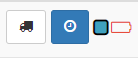
Click on Truck icon button.
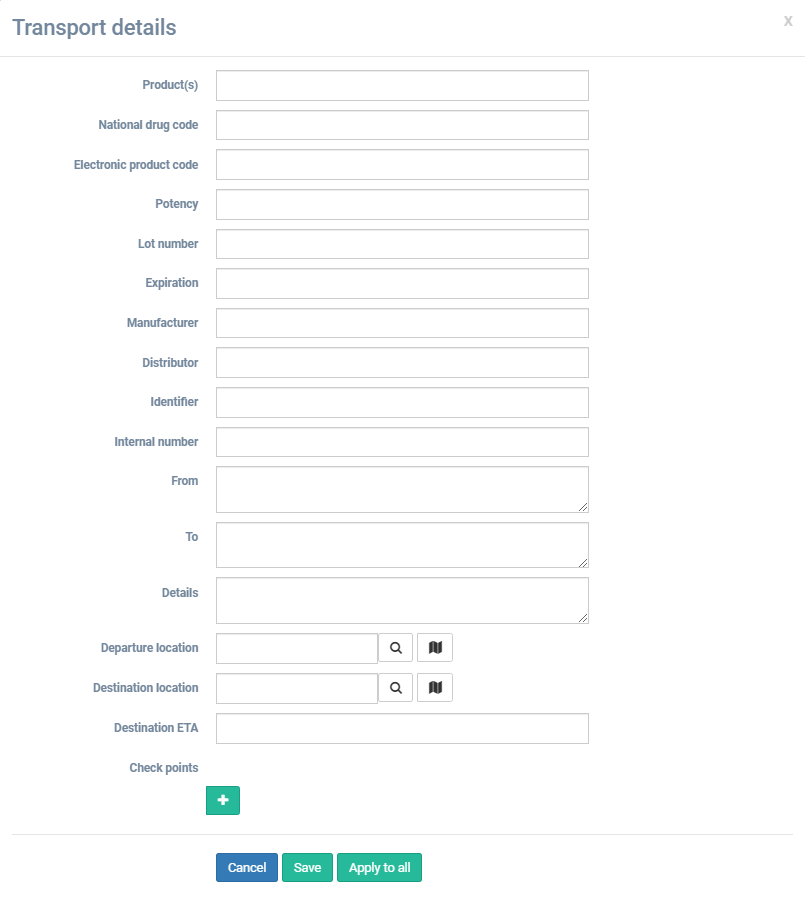
Client on function about the needs, can customize the transportation details.
Click on Clock icon button.
A new window Change setup parameters will appear.
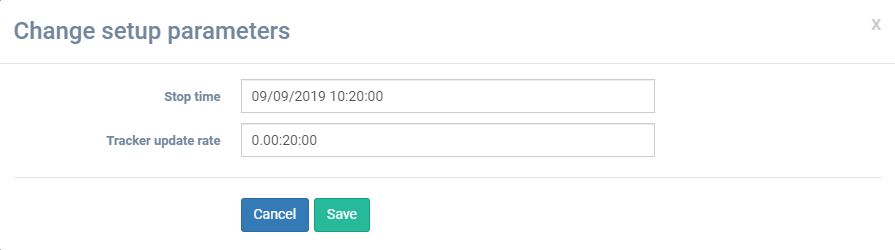
Click on Stop time box.
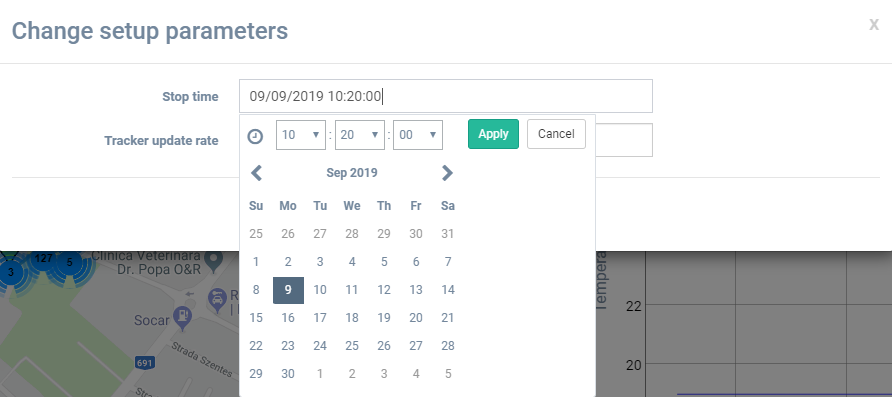
Select the new stop time and click Apply button.
Click on Tracker update rate box.
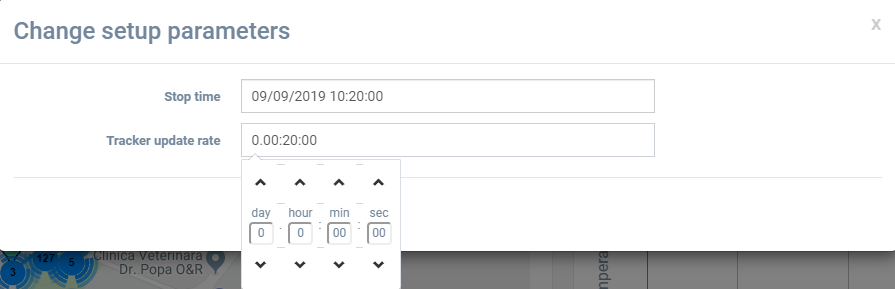
Select the new update rate.
Click on  button.
Click on Color icon button.
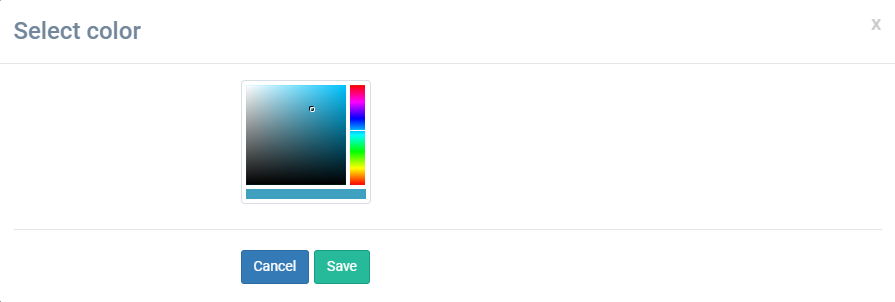
Select the new color for the tracker on the trend temperature.
Click on button.
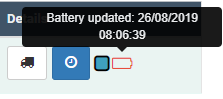
If you put the cursor on the battery icon, the last update moment will be shown.